Delete your Octavia data
Delete your data in one action directly in Octavia.
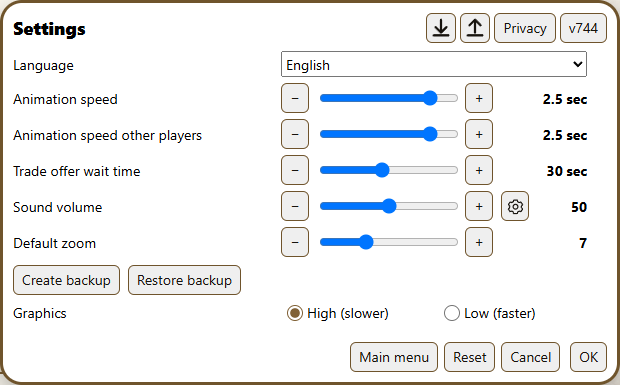
- Open Settings, then select Privacy.
- Select Delete my data and confirm.
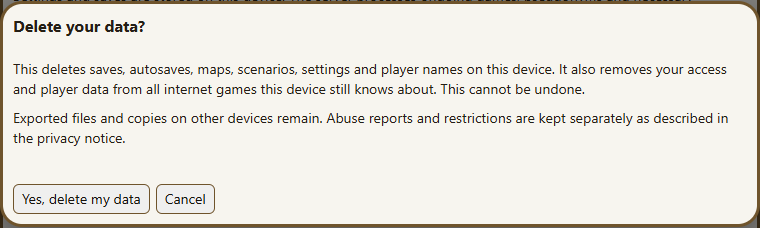
This deletes saves, maps, scenarios, settings and player names on this device and removes your player data from internet games the device still knows about.
Exported files and copies on other devices remain. Abuse reports and restrictions follow the retention periods in the privacy notice.
Octavia privacy notice